
COURSE LAUNCHING PRICE ₱10,000 ENDS JULY 30, 2026. EVERGREEN PRICE ₱12,500.ᐧ
// PRE-SELL NOW OPEN
THE DEFINITIVE GUIDE TO
DAVINCI RESOLVE
Master professional video editing, color grading, audio post-production, and VFX
compositing. The only DaVinci Resolve 21 course you’ll ever need — taught by the
Philippines’ only Blackmagic Design Certified Trainer.
LAUNCH PRICE ENDS JULY 30, 2026. PRICE GOES UP — NO EXCEPTIONS.
1,000+
STUDENTS TRAINED
ACROSS PH & ABROAD
5★
STUDENT
RATING
100+
VIDEO LESSONS
ACROSS ALL MODULES
★1
ONLY RESOLVE CERTIFIED
TRAINER IN PHILIPPINES
THE MOST COMPLETE DAVINCI RESOLVE
COURSE EVER BUILT.
// 01
DAVINCI RESOLVE 21
Built on the latest version — AI tools, IntelliTrack VFX, and professional color grading workflows used in broadcast today.
// 02
PRODUCTION-GRADE WORKFLOWS
Real-world techniques used by editors at Disney Channel, ABS-CBN, GMA Network, and regional broadcast networks.
// 03
COLOR GRADING MASTERY
From primary corrections and video scopes to secondary adjustments, qualifiers, and LUTs — the complete Color page workflow from scratch.
// 04
FAIRLIGHT AUDIO MASTERY
Professional audio post-production inside DaVinci Resolve — mixing, noise reduction, EQ, and delivering clean broadcast-ready sound.
// PRE-SELL NOW OPEN
FROM CHAOS TO CLEAN DELIVERY.
BEFORE
Messy timelines, lost files, constantly re-doing the same edits
Hours wasted fighting the software instead of creating
Inconsistent color grades that look amateur
Overwhelmed by all the buttons and panels
Missing deadlines because exports keep failing
AFTER
Organized workflows that scale from 5-minute clips to feature films
Edit 3× faster with keyboard shortcuts and custom workspaces
Professional-grade color that matches broadcast standards
Full confidence in every page — Edit, Color, Fusion, Fairlight
Deliver on time with optimized export settings for every platform
// WHO IT'S FOR
BUILT FOR YOU IF —

Video Editors
Freelancers ready to level up

Content Creators
Youtubers & creators

Colorists
Go beyond color grading

Creative Agencies
Teams scaling production
You’re switching from Premiere or Final Cut and want to learn Resolve properly from the start.
You’ve been “figuring it out” on your own and are ready for structured, proven workflows.
You need to deliver broadcast-quality work for clients who expect professional standards.
You want lifetime access to a growing library that updates as DaVinci Resolve evolves.
// WHAT YOU'LL MASTER
WHAT YOU"LL MASTER.
// TRACK 01

EDIT PAGE
Timeline mastery, multicam editing, advanced trimming, dynamic zoom, speed ramping.
// TRACK 02
COLOR GRADING
Scopes, curves, qualifiers, power windows, HDR workflows, LUTs.
// TRACK 03

FUSION VFX
Node-based compositing, motion graphics, titles, tracking, keying, 2D workspace.
// TRACK 04

FAIRLIGHT AUDIO
Audio editing, mixing, EQ, compression, noise reduction, ADR, foley, mastering.
// FULL CURRICULUM
EVERY MODULE.
EVERY LESSON.
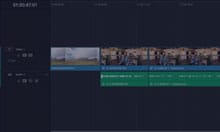
LESSON 1
EDITING A ROUGH CUT
Importing projects, relinking media, bins and smart bins, creating timelines, adding soundbites and subclips, pacing and backtiming edits.
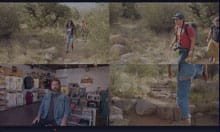
LESSON 2
FINESSING THE ROUGH CUT
Duplicating and managing timelines, trimming clips, replace edits, visual effects, adding logos and closing titles.
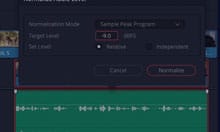
LESSON 3
AUDIO EDITING AND QUICK EXPORT
Duplicating and managing timelines, trimming clips, replace edits, visual effects, adding logos and closing titles.
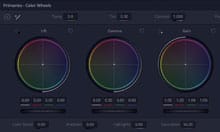
LESSON 4
PERFORMING PRIMARY COLOR CORRECTIONS
Color page interface, primary corrector, video scopes, Lift/Gamma/Gain, understanding nodes, automatic adjustments, DaVinci Resolve Color Management, matching cameras.
LESSON 5
MAKING SECONDARY ADJUSTMENTS
Masking with windows, outside nodes, HSL curves, Color Warper, Chroma Warper, qualifiers, combining qualifiers and power windows, tracking.
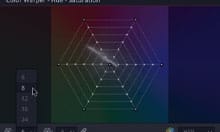
LESSON 6
FINISHING AND MANAGEMENT
Applying Resolve FX, identifying ungraded clips, copying grades, working with stills, importing and exporting grades, working with LUTs, creative decisions.
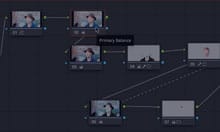
LESSON 7
PROJECT SETUP AND PREFERENCES
Creating new projects, project settings, importing media, syncing audio to video, metadata management, keyword and custom smart bins, keyboard shortcuts.
LESSON 8
AN INTRODUCTION TO FAIRLIGHT
Fairlight interface, track formats, clip channels, trimming in Fairlight, AI Dialogue Leveler, EQ, adding sound effects, scrollers, mixing and ducking the soundtrack.
LESSON 9
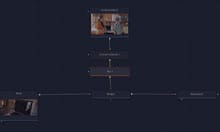
AN INTRODUCTION TO FUSION
Creating Fusion compositions, the Fusion interface, working with nodes, Merge node, text creation, keyframes and animation, VFX compositing.
LESSON 10
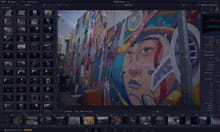
THE PHOTO PAGE
Exploring DaVinci Resolve’s new Photo page — organizing, editing, and grading still images using the same professional color tools from the Color page.
LESSON 11
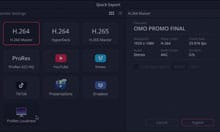
DELIVERY AND MEDIA MANAGEMENT
Preparing projects, creating vertical timelines, using the Deliver page, customizing presets, rendering jobs, exporting timelines, media management, and project archiving.
BONUS
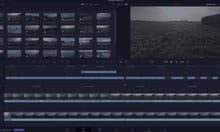
THE CUT PAGE
A focused walkthrough of the Cut page — its unique tools, smart indicators, and where it fits in a fast-turnaround editing workflow.
// COMPANIES WE'VE TRAINED












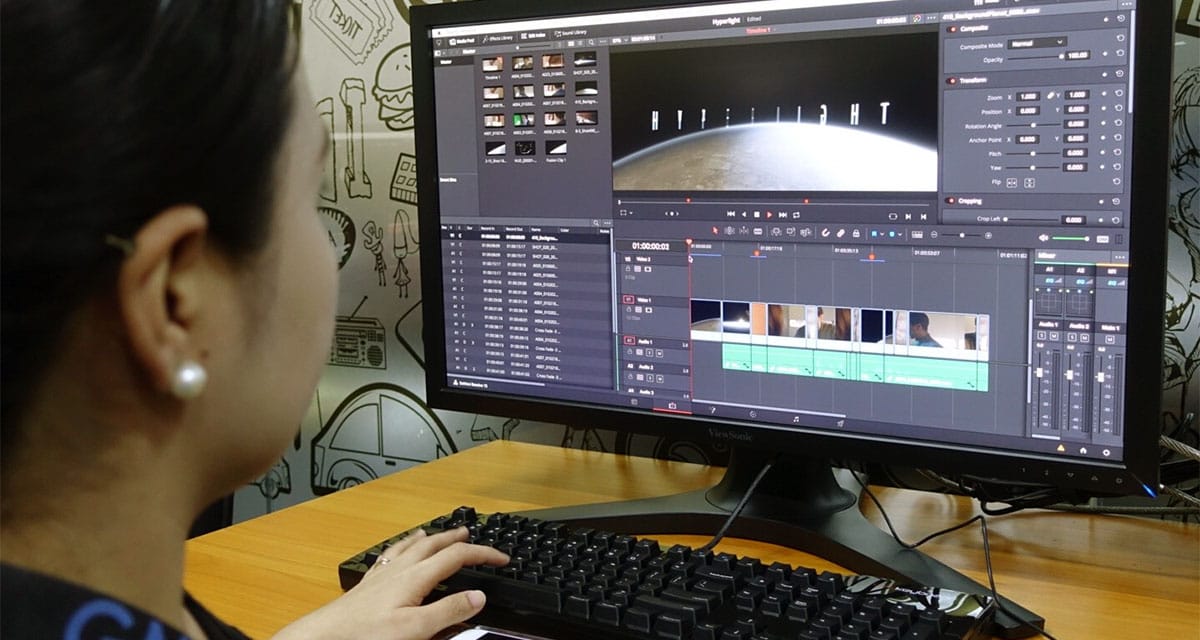
— GMA NETWORK · IN-HOUSE TRAINING
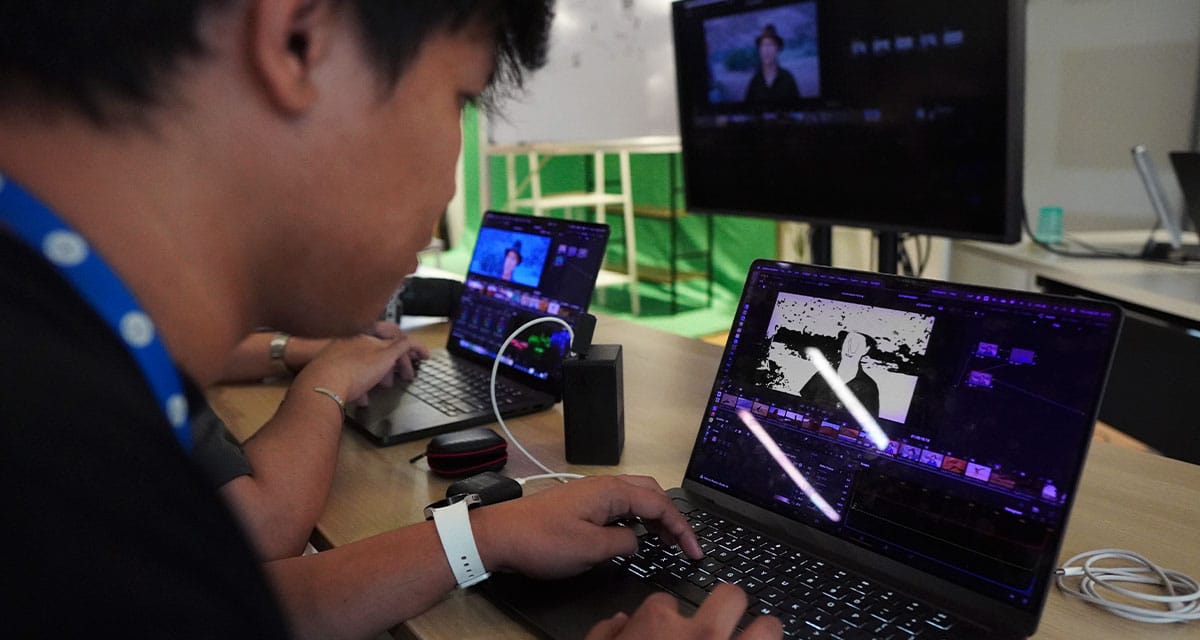
— SM · IN-HOUSE TRAINING
WHAT STUDENTS SAY
★ ★ ★ ★ ★
"One of the main reasons I started my career as a colorist was because of Skyrocket. Incredibly comprehensive — covering fundamentals to advanced techniques — and always updated with the latest industry practices."

ANGELO DEO ISLA
JUNIOR COLORIST · BAREBONES
★ ★ ★ ★ ★
"This is a great course if you wish to take and pass the DaVinci Resolve certification exam. Instructor is very knowledgeable with real-world experience. Winner!"

AURIE ANDEN
VETERAN COLORIST · BAREBONES
★ ★ ★ ★ ★
"I'm a Commercial Director based in Dubai. The class was very well presented and clearly explained. The follow-up Zoom with Sir Jobert is a great help."
JED HOMBREBUENO
COMMERCIAL DIRECTOR · DUBAI
★ ★ ★ ★ ★
“Skyrocket is not just mechanical teaching — they give you insights and the technical know-how to fully function with your skill set.”

DAVE ZOLETA
EDITOR/COLORIST · GMA
★ ★ ★ ★ ★
"Instantly wanted to convert exclusively to DaVinci after learning under Sir Jobert! A good start to get the needed skills for all aspects of post-prod."

YVONNE SALAZAR
MULTIMEDIA ARTIST · CAD STUDIOS
★ ★ ★ ★ ★
"Jobert is an excellent teacher. If you're keen on learning color grading or Resolve for editing and motion graphics, the courses are a great investment."

MAE CORAZON
VETERAN VIDEO EDITOR · SUMMIT MEDIA
★ ★ ★ ★ ★
"Sir Jobert is a very professional mentor who knows his craft. Definitely a must-attend workshop for those who want to upskill! Sulit!"
JAYSON SANTOR
FILMMAKER · CAVITE
★ ★ ★ ★ ★
"Fun and easy to understand. Sulit ang workshop! Plus may follow-up Zoom to ensure may natutunan ka. Kudos to Skyrocket Team!"

MARK BARRACA
CEE/PRODUCER · BARRACKWORKS
★ ★ ★ ★ ★
Incredibly in-depth training covering both the technical and artistic side of post-production. Jobert goes above and beyond. Highly recommended."

DAVID BIAZON
CREATIVE · EARTH BREEZE
WHAT'S INCLUDED

100+ VIDEO LESSONS
Professionally produced tutorials, each focused on a specific skill or workflow.

PRACTICE FOOTAGE
Various types of footage from Log to Rec 709, and project files to follow along and practice.

LIFETIME ACCESS
Keep access forever. Course content is regularly updated to keep up with every new version of DaVinci Resolve.

BLACKMAGIC CERTIFIED
Built on the official Blackmagic Design certified training curriculum taught by the only certified trainer in the Philippines.

OPTIONAL LIVE ZOOM SESSIONS
Monthly Q&A sessions with instructor for enrolled students (not required).

CERTIFICATE
Completion certificate from Skyrocket Academy upon finishing all modules.
// YOUR INSTRUCTOR
TAUGHT BY SOMEONE WHO ACTUALLY WORKS
IN THE INDUSTRY.
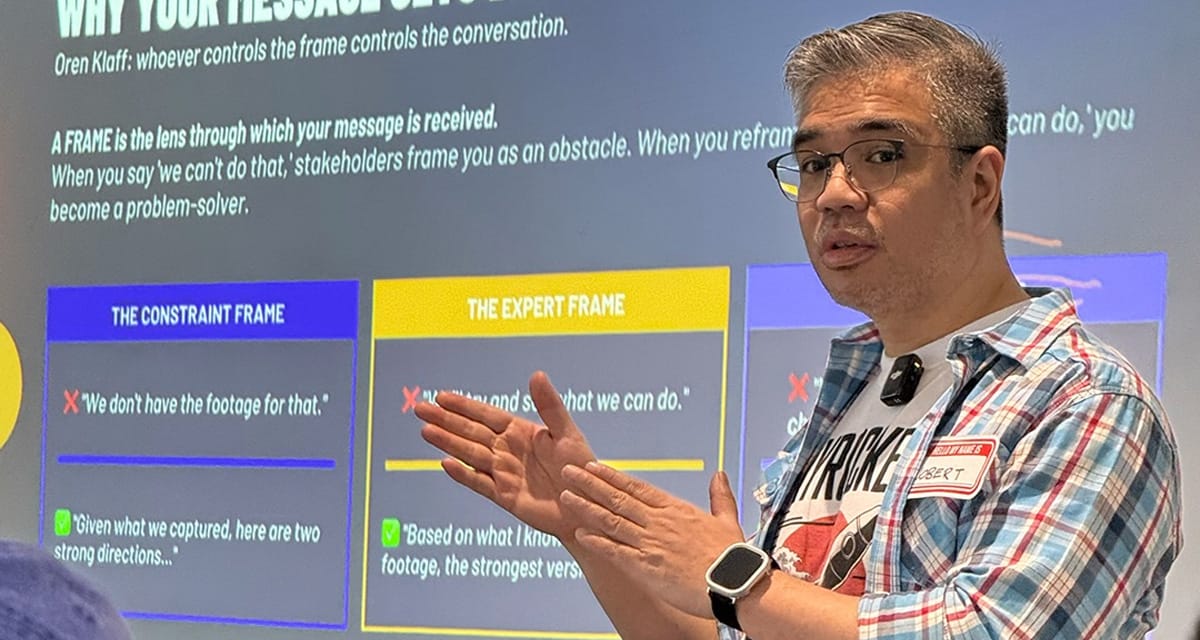
JOBERT MONTERAS
FOUNDER · SKYROCKET ACADEMY PH
18+ years in broadcast post-production. Former Senior Colorist at ABS-CBN and GMA Network. Trained production teams at Disney Channel Southeast Asia, Mediacorp Singapore, Astro Malaysia, and major advertising agencies across the Philippines.
BLACKMAGIC DESIGN CERTIFIED TRAINER

ONLY BMD CERTIFIED TRAINER IN PH
One of the first Resolve trainers in the world and the only one in the Philippines.

1000+ STUDENTS TRAINED
Corporate teams and individual creators across PH and abroad.

EXPERIENCED IN TRAINING BROADCAST COMPANIES
Disney Channel Asia, ABS-CBN, GMA, Mediacorp Singapore, Astro Malaysia
ACTIVE PROFESSIONAL
Still grading, editing, and creating motion graphics for commercials and films today — real-world experience in every lesson
// ENROLLMENT
LOCK IN THE LOWEST RATE.
PRE-SELL · EARLY BIRD
THE DEFINITIVE GUIDE TO DAVINCI RESOLVE
Complete online course — Edit, Color, Fusion, Fairlight
₱10,000
₱12,500
⏱ PRICE INCREASES AFTER JULY 30, 2026
// WHAT'S INCLUDED
100+ video lessons across 11 modules
Blackmagic Design certified curriculum
Downloadable practice footage & project files
Lifetime access with all future updates
Optional monthly live Q&A sessions
Certificate of completion
Secure payment via GCash, PayPal, credit card, or bank transfer
// FAQ
COMMON QUESTIONS
No. The course starts from zero and builds progressively. Complete beginners and people switching from other software are equally welcome.
Yes — the free version of DaVinci Resolve 21 works perfectly for this entire course. You don't need DaVinci Resolve Studio to complete any of the lessons.
You'll get access to the modules once the course is fully launched on June 15.
This is fully self-paced with no live deadlines. All modules are yours for life. Watch, rewatch, and learn at your own speed.
All sales are final. If you have questions before enrolling, email info@skyrocketph.com and we'll help you decide if this course is right for you.
DaVinci Resolve 21 runs on Mac, Windows, and Linux. Check Blackmagic Design's website for minimum system requirements. Most modern computers handle it well.
Students receive a professional completion certificate after finishing all course modules and assignments.
// ENROLL BEFORE JULY 30, 2026
START EDITING IN
DAVINCI RESOLVE 21
Launch pricing ends July 30. Lock in ₱7,500 before it goes up to ₱10,000.


© 2026 Skyrocket Academy Ph. All rights reserved.
Lorem ipsum dolor sit amet, consectetur adipisicing elit. Autem dolore, alias, numquam enim ab voluptate id quam harum ducimus cupiditate similique quisquam et deserunt, recusandae.